The answer — one pick, priced
Get the
KTC H24T27
$25 under your budget
The card's best-budget dual setup — two 24-inch 1440p IPS panels for about $250 the pair, VESA-mountable, with 100Hz refresh and 122% sRGB color.

Some links earn us a commission — it never changes the pick. Winners are chosen before payouts are checked.
Fit ledger — need → measured evidence
■ The catch — co-equal billing, always
There's no USB-C and no daisy chain — each monitor needs its own video cable from the PC, or a $30-50 dock for a laptop. The panels are only 24 inches, and KTC is a value brand with a thinner support and warranty story than Dell or Samsung.
Dealbreaker? The Sceptre U275W-UPT steps up to dual 4K at 27 inches for ~$55 more a screen ↓
■ Every product has a catch. Verdicts that hide it are how bad buys happen.
Runners-up — if your needs differ


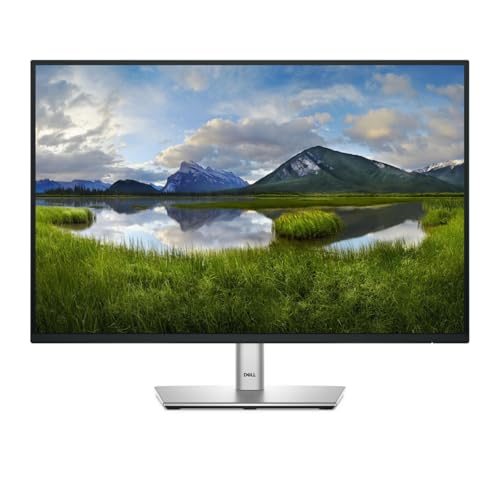
Adjacent verdicts — same method
Traps — this verdict avoids
Bezel arithmetic
Two monitors' inner bezels stack into a single seam down the middle. Pair anything over ~8mm per side and you stare at a 12-16mm gap all day; every pick here sits at 6-8mm per side.
Mismatched pair
Mixing panel types (IPS vs VA), resolutions, or color gamuts across the two screens creates a visible brightness and color break at the seam. Buy two identical units — never one of each.
Bandwidth ceiling
Dual 4K at 120Hz needs DisplayPort 1.4 or HDMI 2.1 per monitor, and USB-C daisy chain needs Thunderbolt 3/4 or USB4 on your laptop. Older USB-C 3.2 ports quietly drop you to 4K 60Hz or force compression.
Provenance — 7 sources, dated
Winners are picked before affiliate payouts are checked, from the full research dossier at knowledgelib.io. Prices, stock and listings are re-verified monthly by an automated pipeline. Some links earn us a commission — it never changes the pick, and we say so here rather than in a footer you'd never read.